

Sorry if it is not the proper place to post this, I’ve been unable to upload images for multiple months now, all clients, plus the piefed.social site (can upload images to post but not to the body text). Most bing up similar error messages when attempting to upload:
(Wish I could upload screenshots but I cant, sorry)
Summit:
Client error. Code: 400. Message: {“code”:400,“message”:“quota_exceeded”,“status”:“Bad Request”}
.
Voyager and Photon:
Problem uploading image: quota_exceeded
Blorp, Interstellar and Thunder: only shows uploading error, Please try again.
No clue, but “Quota exceeded” in computer software generally means you exhausted your allocated/allowed storage space and you need to delete old (media) files, or get more storage space…
Edit: If you go to your profile, there’s a blue “Files” button somewhere: https://piefed.social/user/files
Ohh Thanks for help! Didn’t know piefed had a storage limit, given that i post a lot of art here it is expected to be full, thanks again.
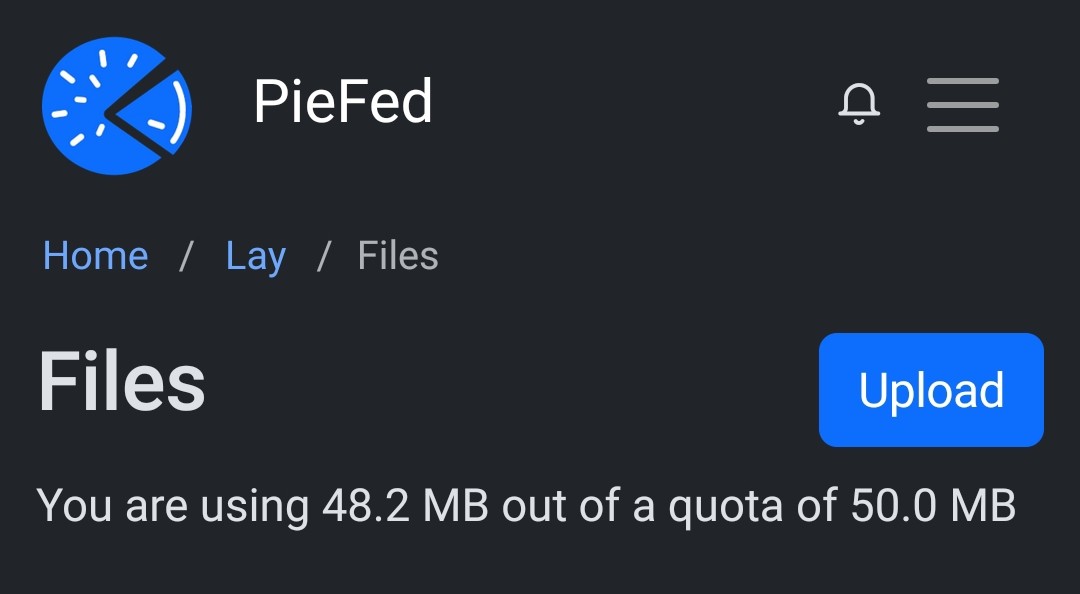
PieFed’s default quota is only 50 MB, which is too small. I’ve increased the quota to 100 MB.
I have no issue creating image posts in the browser. But if I try to create that same post on mobile, I run into the image quota error.
Is that intended behavior, or are mobile apps targeting the wrong path because of some difference between lemmy and piefed?
That does sound broken to me. Will look into it.
Can you upload via browser version instead? Does it work or do you get same quota error?