
1·
2 months agoGreat!
Great!
Easy enough, sounds like a plan!
Nice, glad you’re having fun with it.
Exposing things to the internet is a lot of fun, just keep in mind that there are bots out there just itching to break into your stuff. Use strong passwords. Use different passwords for every. single. website.
Tailscale is often recommended because it’s very secure. You don’t need to pay for your own domain name, either as far as I know.
For things that I expose to the internet (the Lemmy instance that I’m writing this from, for example) I like having a domain name. Especially when sharing it with friends since it’s what people are used to.
If you’re interested in going that route, each “thing” that you host gets its own sub domain. For example if the domain name you buy is called “kgrnd.com”, and you’re hosting a minecraft server – you might call it “minecraft.kgrnd.com”. Jellyfin might be jellyfin.kgrnd.com.
Starting from outside, sitting in a park bench looking at your phone – the steps that internet traffic goes through to reach your server is like this:
A reverse proxy just decides "ok, here’s some traffic from minecraft.kgrnd.com, and I’ve been told that minecraft.kgrnd.com over on 192.168.2.32, port 25565.
Do not tell your router to forward traffic on port 25565. That is not secure. The only ports that you open (forward) on your router firewall are 80 and 443, and those both point to the IP address of your reverse proxy.
Reverse proxy’s come in various flavors. A lot of people like Caddy. I like Nginx Proxy Manager (NPM). Both handle SSL certificates for you which is very very nice.
The last problem to solve is the fact that your home IP address changes from time to time. This is pretty standard practice with non-business accounts. That’s where a dynamic DNS service comes into play. My router has a built in service to handle it, so when I set up my domain name DNS records to point to “my house”, I don’t tell it my IP address because that’s subject to change. Instead I give it what’s called a CNAME record which points to a web address that my router has provided me. If your router doesn’t have a feature like that, you’ll have to explore other options for handling dynamic IP addresses.
Once you have something up and running, you have to do 2 things –
Another thing that I like to do, which is a bit more advanced but in the end makes things simpler and more secure:
This is nice because you don’t have to tell docker to forward any ports. Whatever the default port is for the service your running, nginx can access it no problem because they’re on the same Docker network. For example if your Minecraft docker container is called “minecraft-minecraft-1” and has stuff on port 25565, you don’t need to know the IP address of Minecraft. In the NPM entry, you just point minecraft.kgrnd.com to minecraft-minecraft-1 and port 25565. Done. No exposing external ports to the docker container. Pretty cool.
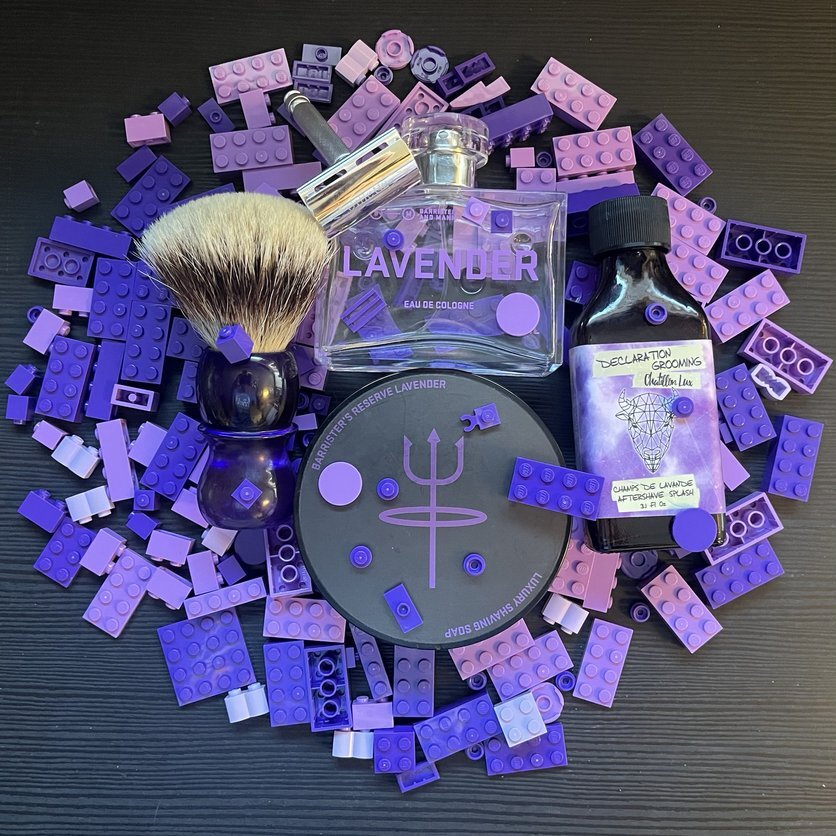
Barrister & Mann - Promises
Citrus and exhaust smoke in the Omnibus base.
Infused with notes of orange, bergamot, real honey, whiskey lactone, peat, and nutmeg, this fragrance encapsulates the spirit of Northeastern winter adventures, further heightened by the incorporation of high-grade saffron molecules, lending an industrial yet nostalgic character reminiscent of idling sleds.

Vanilla nginx is still too far over my head, but Nginx Proxy Manager makes easy work of it.
A lot of people like Caddy but I’ve never tried it. The config files are much simpler and it auto-renews certificates (but so does Nginx Proxy Manager).
Just need your address…

Lots of allergens are popping where I live. Grass and ragweed are ramping up to max output.

I enjoyed my quick visit to that place.
Nice, yeah I’ve tested with my acount and it’s definitely a language thing. I actually found out how to enable it on everyone’s accounts using a database command, so problem solved for everybody.
~~Everyone check your language settings and make sure “English” is selected. I think “Undetermined” should also be selected, and the only way to select both is by holding “ctrl” and selecting them. ~~
Edit: I’ve been helped by some pros and enabled English for all users via a database command (and somehow didn’t nuke everything while doing it!)
I replied to Porkbutts and maybe this will help for you too – check the language settings under your account. English should be selected. If it’s not, that might make some things not show up. I’ve never had a good grasp on why the language thing is the way it is with Lemmy, but hopefully that helps.
New accounts have English enabled by default, but I don’t think it was retroactive to older accounts.
https://sub.wetshaving.social/post/2954980/4803339 for more info
Replying with a different account with a different language setting to see if it helps:
This is most likely because of language settings, and I have to look into it I guess. Lemmy language is such a strange thing – this Lemmy instance has had “undefined” as the only option for a long time. I changed it last night to include English as well…
Try checking your account settings and make sure English is selected. This is the default for new registrations (I think), but older registrations like us old timers have to manually enable it.
https://sub.wetshaving.social/post/2954980/4803339 for more info.
If it starts working…
That brush is beautiful.
deleted by creator

A while ago I decided that BTH only works well for 1 device (using wireguard at least) at a time.
I messed around and made different profiles (not sure of the actual name) for each device and that solved my problems.
Worth a shot.







I disagree that it can’t be LG anymore since it’s still a basic TV so long as you don’t connect it to the internet. Use the TV as a TV and use an Nvidia Shield, Chromecast, etc to do your internet stuff.