

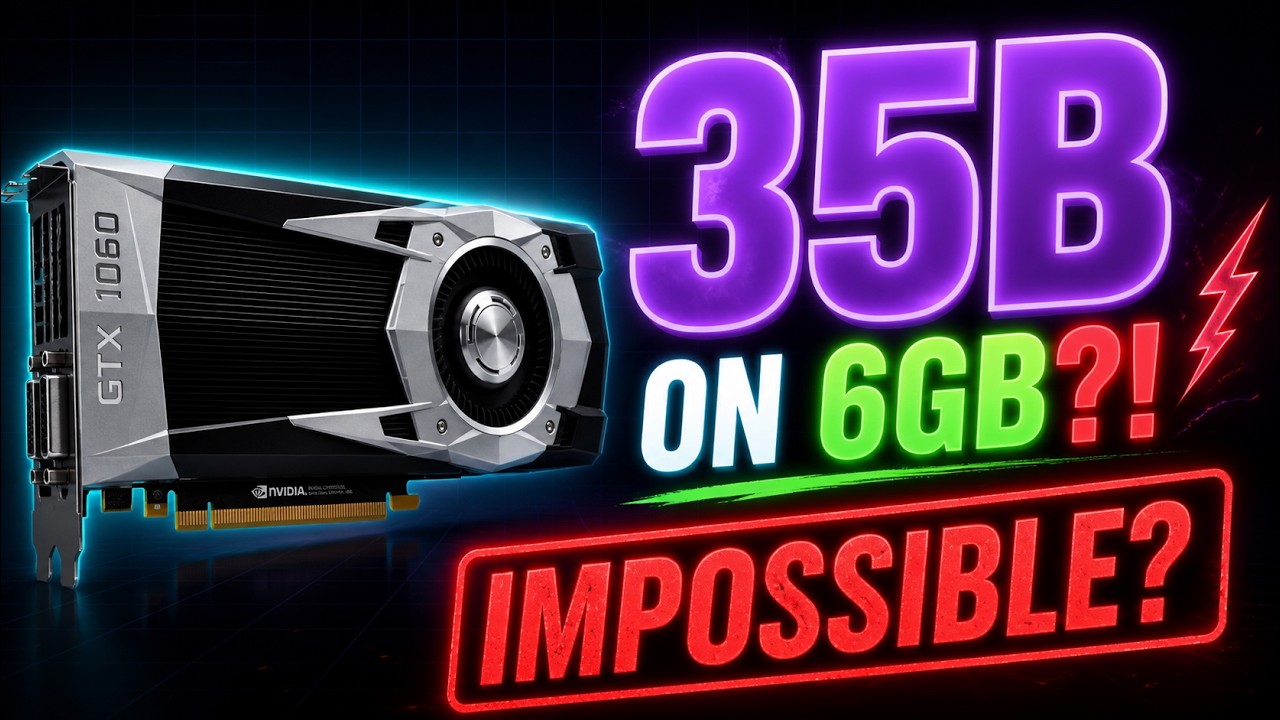
I finally sat down and set this up last night. The Qwen 3.6 35b is very impressive and following this vid will get you running at workable speeds. I haven’t bumped it up to the 256k context window yet, but even with the 128 I’m able to have it work on projects I’d rather not be putting up on the cloud.
It’s relative. I’ve previously tried running a 35b model on my machine in ollama and it crashed more often than not after taking faaaar too long to get going. I’m only getting around 27tk/s at the moment but the context window is huge and I’m not reading much faster than that anyway. Tbh I’m giving it such big jobs that I basically tell it what I want and then just walk away for a while to let it think.
Which model are you getting 27tk/s on? Is that with the steps listed in the video?
I’m getting 10tk/s with just
llama bench -hf unsloth/Qwen3.6-35B-A3B-GGUF:Q8_0and that jumps to 17 tk/s with-ngl 999 -ncmoe 35 -lm none(-lm noneis the updated version of--no-mmap). The turbo cache optimizations seem to come from a fork of llama-cpp with that feature added. Hopefully that gets pulled into the main repo later.Regardless, this was neat but I’m probably not going to stop using the macbook for this. I think the CPU on the macbook is just faster than my 2019 GPU.
Yeah, slightly updated from his docker commands in the comments, some of it was deprecated, I guess. 23.4 tk/s now, I did something to piss it off. Lol.
–gpus all
–cap-add=IPC_LOCK
ghcr.io/ggml-org/llama.cpp:server-cuda Qwen3.6-35B-A3B-Q4_K_M.gguf -ngl 999
–n-cpu-moe 36
–load-mode mlock
–ctx-size 128000
Note that this on a 1080 (not ti), i7-6xxx, with 24 gigs of ram running PopOS. I’ve not messed with the turbo cache optimization yet.
I’ll need to check what I get with the Q4_K_M variant instead of the Q8_0. Then I’ll get an idea how much CUDA is better than Vulkan.
Word, be curious to hear how that turns out for ya.
Q4_K_M only got me to like 21.5tk/s My graphics card is a 5700XT which benches slightly below your GTX 1080. My Ryzen 9 5XXX is significantly stronger than your i7-6XXX so I’m can’t blame that bottle neck. Seems like CUDA does have an edge here.
Neat. Were you able to try the 256k context window? I’m still using the 128 but I have noticed that once it gets to be about 88% (smh. suss!) full, the reasoning has a tendency to get a bit loopy and the model can’t get itself out of reasoning. Like the same 4 lines over and over, type shit. Still, very capable until then! I’ll be curious to see if the 256 has the same issues and how much of the bigger context window will actually be usable.
I’ve been using
llama benchinstead of actually using it for something so I haven’t messed with context too much. For actual work I’m still using the macbook which does really well.I have to give some credit to Apple here. It seems like they’re betting on the AI market crashing and positioning themselves as the easiest local AI product. AMD has something similar called Strix Halo but its all soldered on memory.
Ah, gotcha.
I’m not too familiar with Apple’s place in all this beyond some folks (organically?) figuring out that loading up some mac minis with a bunch of ram would let them run the larger models. Has Apple themselves been making moves marketing themselves for local AI?